English
🚀 Version 13.0
With version 13.0, AISSIST expands image editing with a new mask editor for targeted changes, simplifies copying model and personal messages, and now sorts sessions dynamically by the last edited date.
🎨 Precise Editing with Masks
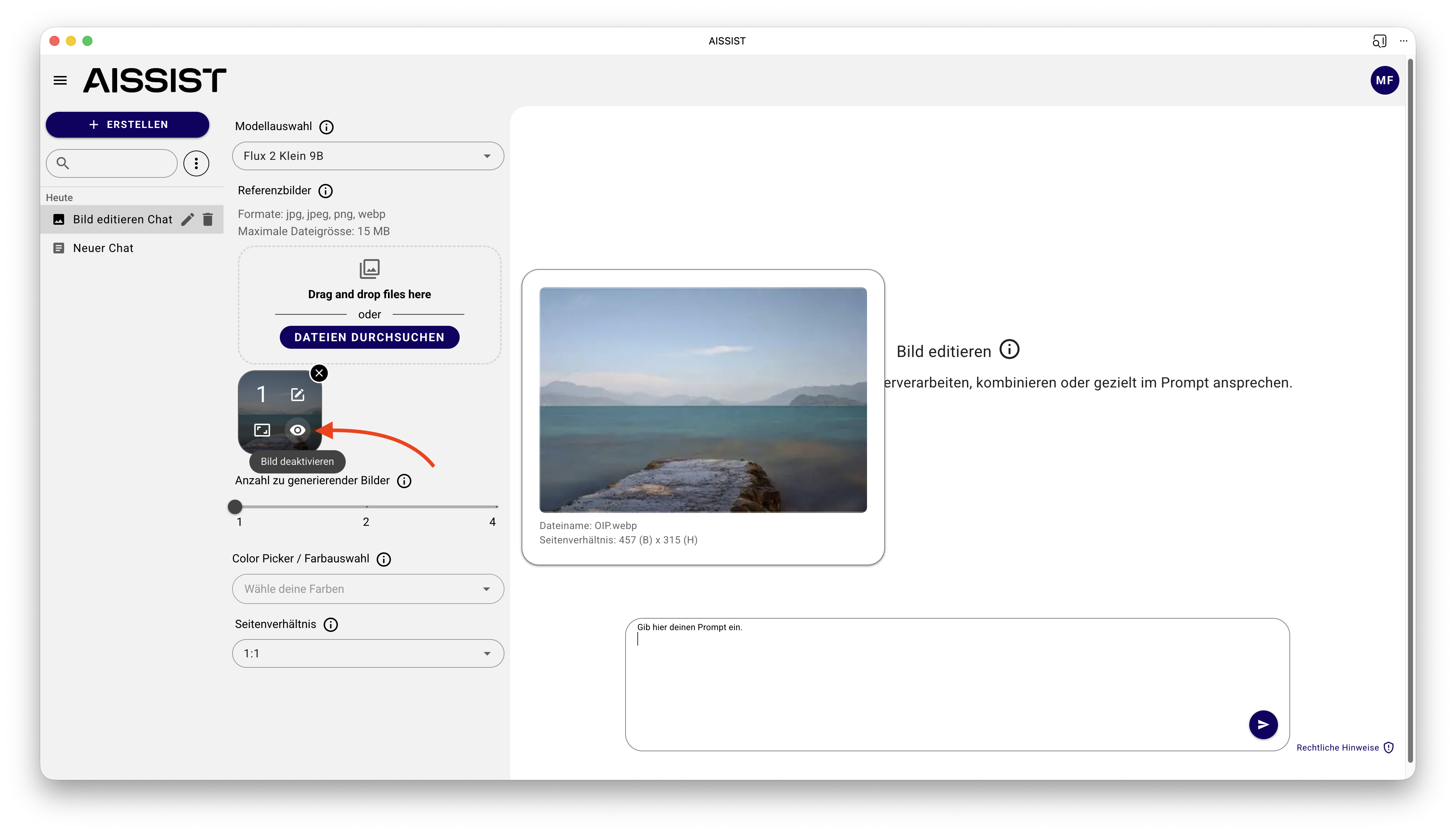
When editing uploaded images, a new mask editor is now available. Using the "Edit" mode, you can mark specific areas of the image to make much more precise changes.
You can choose from several tools:
- Circle
- Rectangle
- Brush
- Lasso
Additionally, you can use different colors for masks. Each created mask appears as a new image in the image manager and can then be directly referenced in the prompt, for example: "Change the red mask of the person showing their face to a crocodile head."
This allows specific parts of an image to be adjusted without having to describe the entire motif again.
✨ Practical Improvements in Chat
Additionally, several practical improvements have been implemented:
- Copy messages: You can now copy not only model responses but also your own sent messages directly.
- Sort by editing date: Sessions now automatically move to the top when there is activity. Activity includes, among other things, a new message, interaction with use cases such as translation, editing the session title, and even typing in the chat box.
The update is complemented by further minor improvements and bug fixes.