English
🚀 Version 13.3
Version 13.3 lets you create personal agents to simplify recurring tasks. The new Agent Editor with an integrated chat preview supports you in creating and editing your own agents, while Prompt Managers can maintain team agents. More file formats, downloads for HTML and SVG, and additional agent information make daily work more flexible and transparent.
🤖 Your personal agents
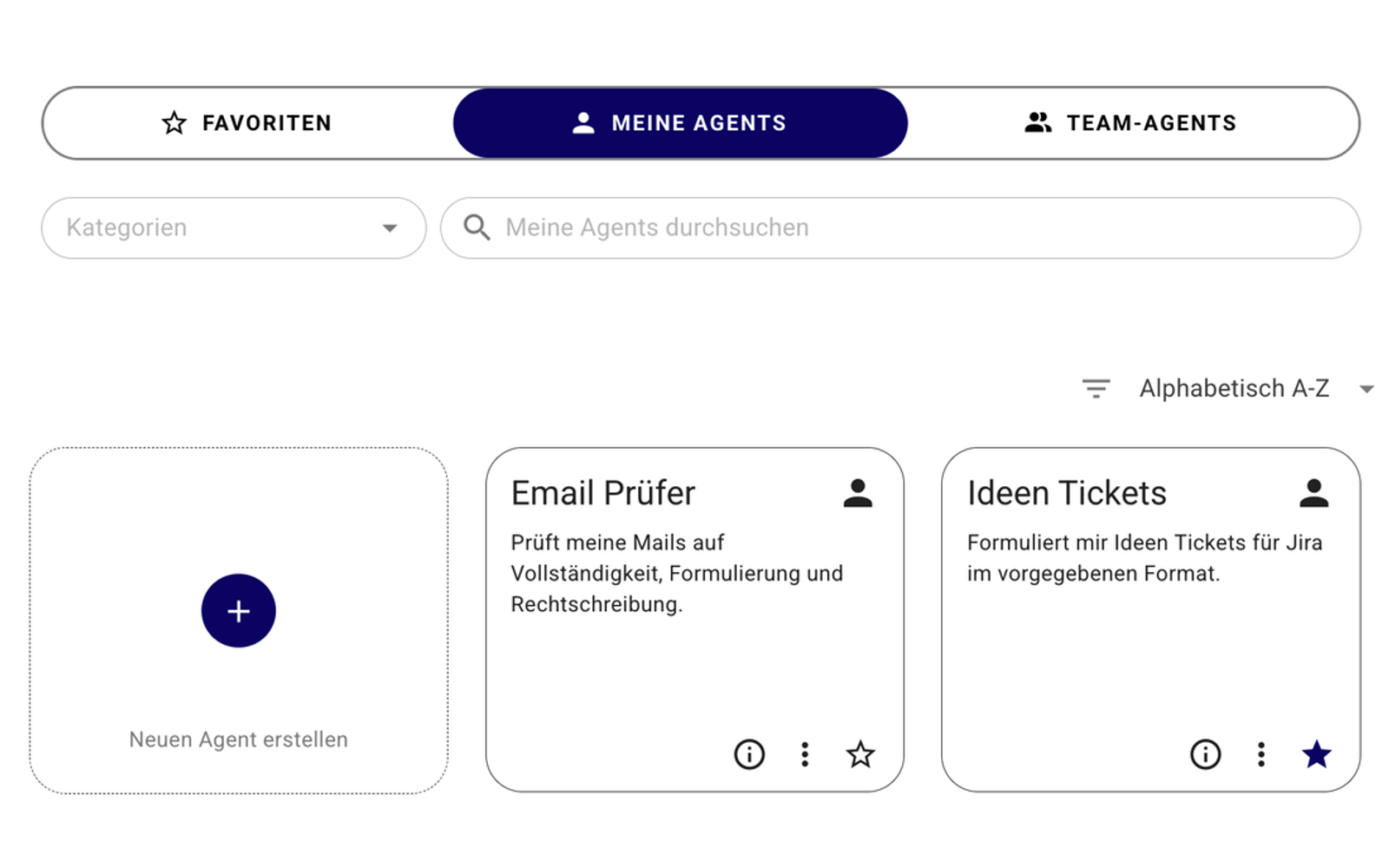
With personal agents, you receive support tailored to your recurring tasks – for example, when reviewing emails or as a sounding board for new ideas.
Your specifications and knowledge are available every time you use them. This saves repeated explanations and ensures more consistent results. Personal agents are visible and available only to you.
🔎 Better trace agent steps
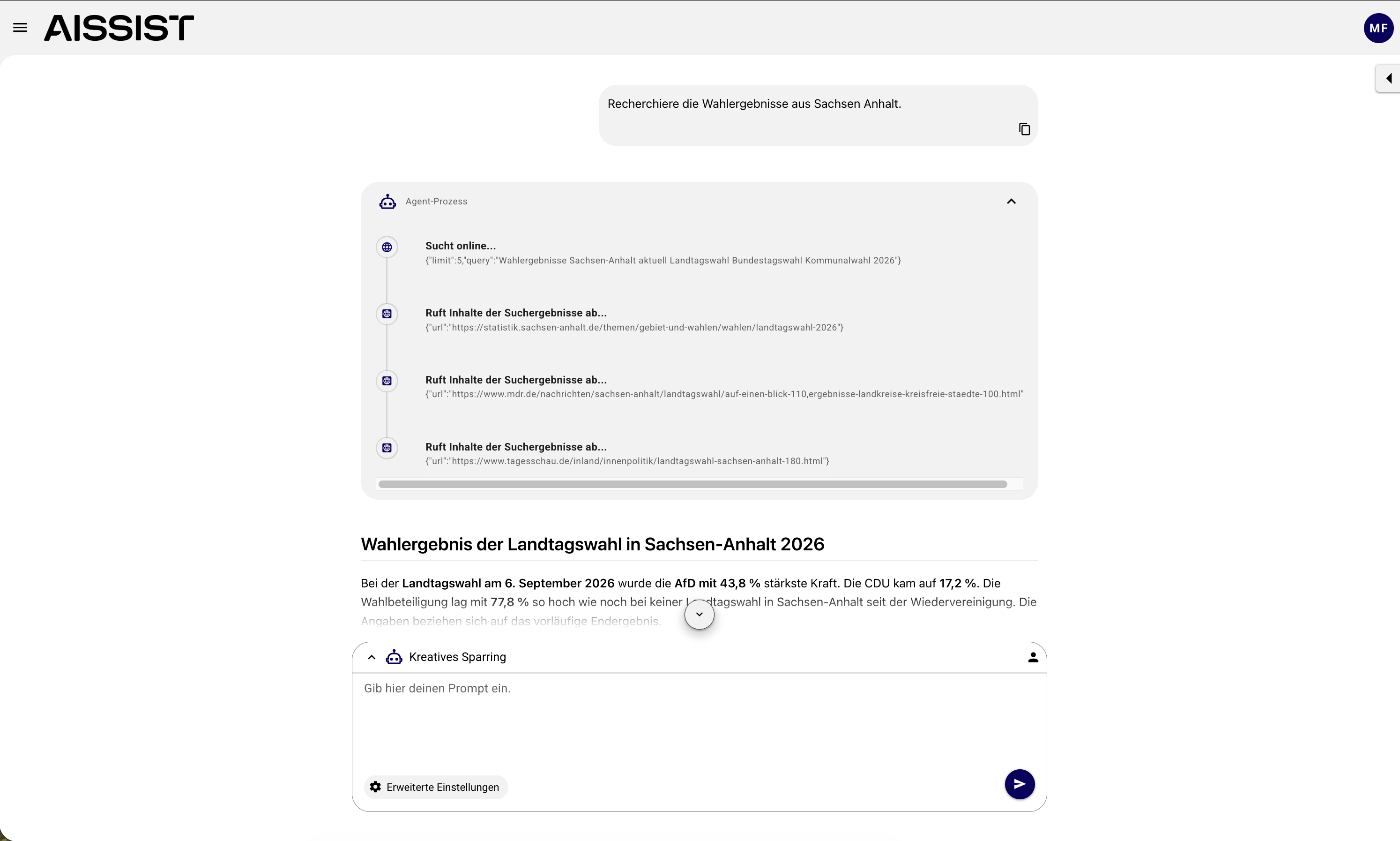
The agent process shows which steps an agent takes when processing your request, such as conducting a web search or retrieving document content.
This helps you better understand which tools and sources are involved in processing your request. It provides greater transparency and helps you put the response into context more effectively.
🛠️ Create and test agents more easily
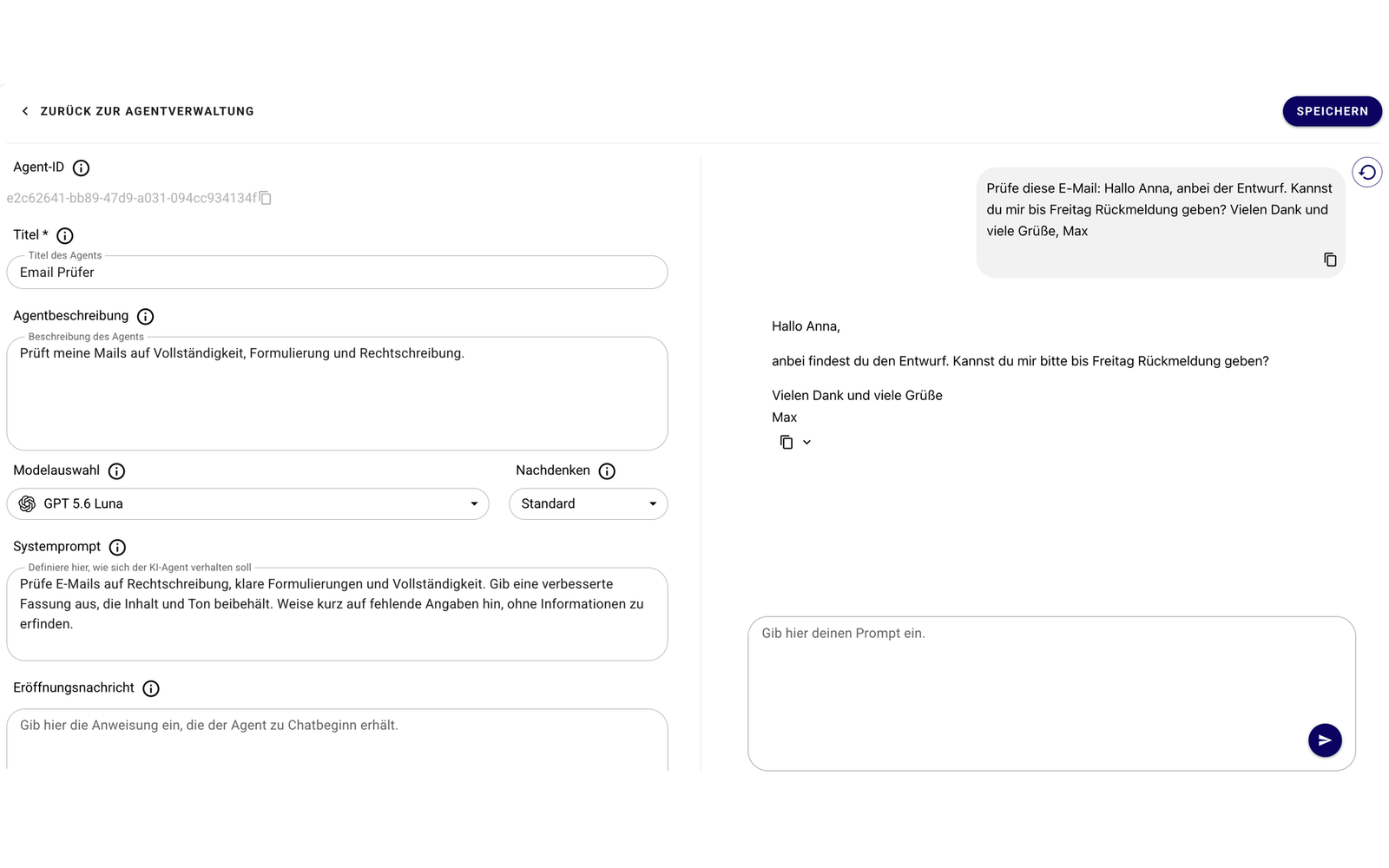
The new Agent Editor is available for creating and editing personal agents, as well as for Prompt Managers maintaining team agents. The redesigned interface brings settings together and makes configuration clearer.
The integrated chat preview lets you check an agent's behavior directly in the editor. This allows you to assess more quickly whether your agent performs the intended task and improve its responses in a targeted way.
📎 More file formats for all agents
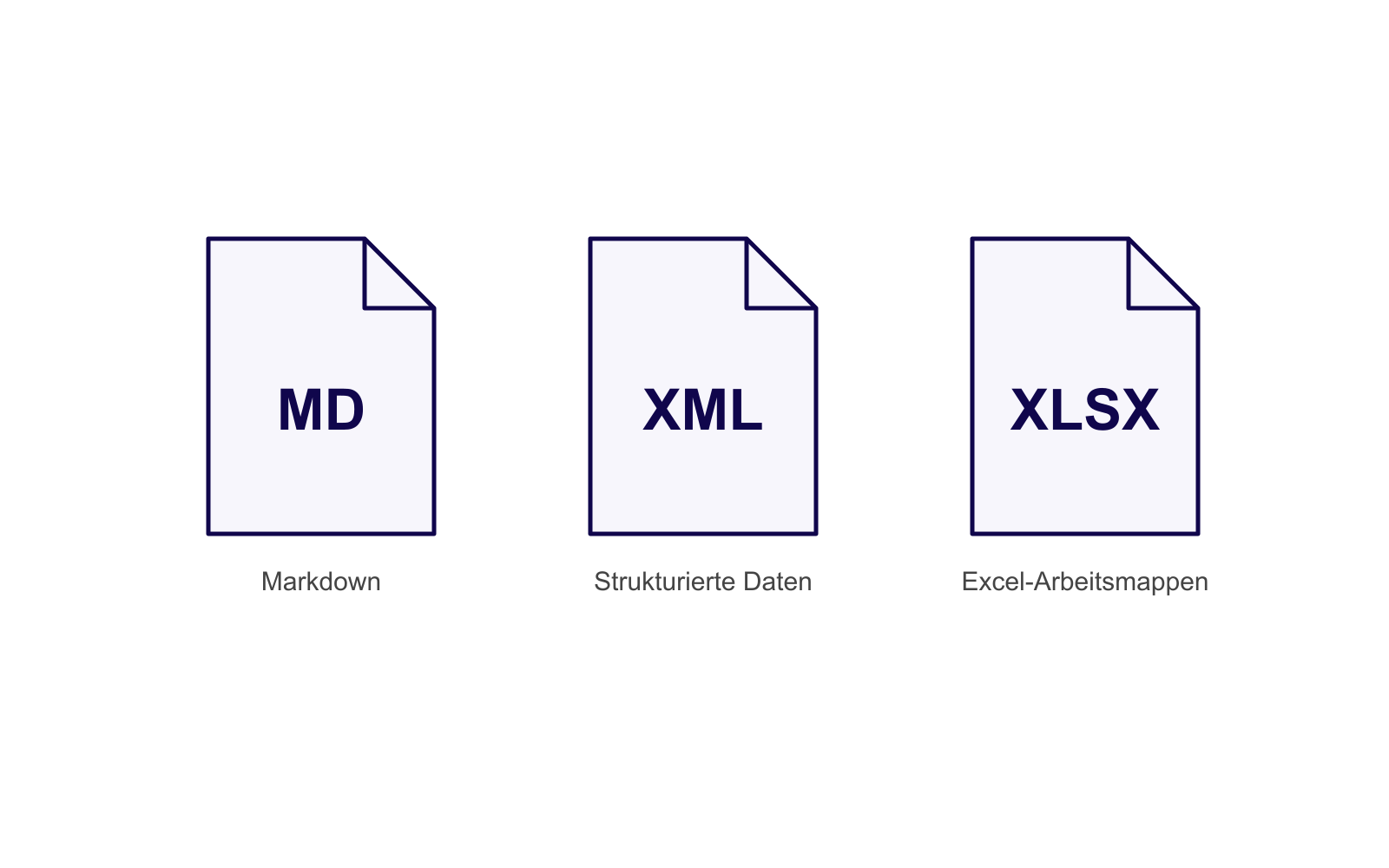
Agents can now use more content in its existing format as context, including Markdown (MD), XML, and Excel workbooks (XLSX).
Whether it is a briefing, structured data, or a spreadsheet, you need to reformat or transfer content manually less often and can include your existing work materials more directly when collaborating with an agent.
💾 Reuse HTML and SVG directly
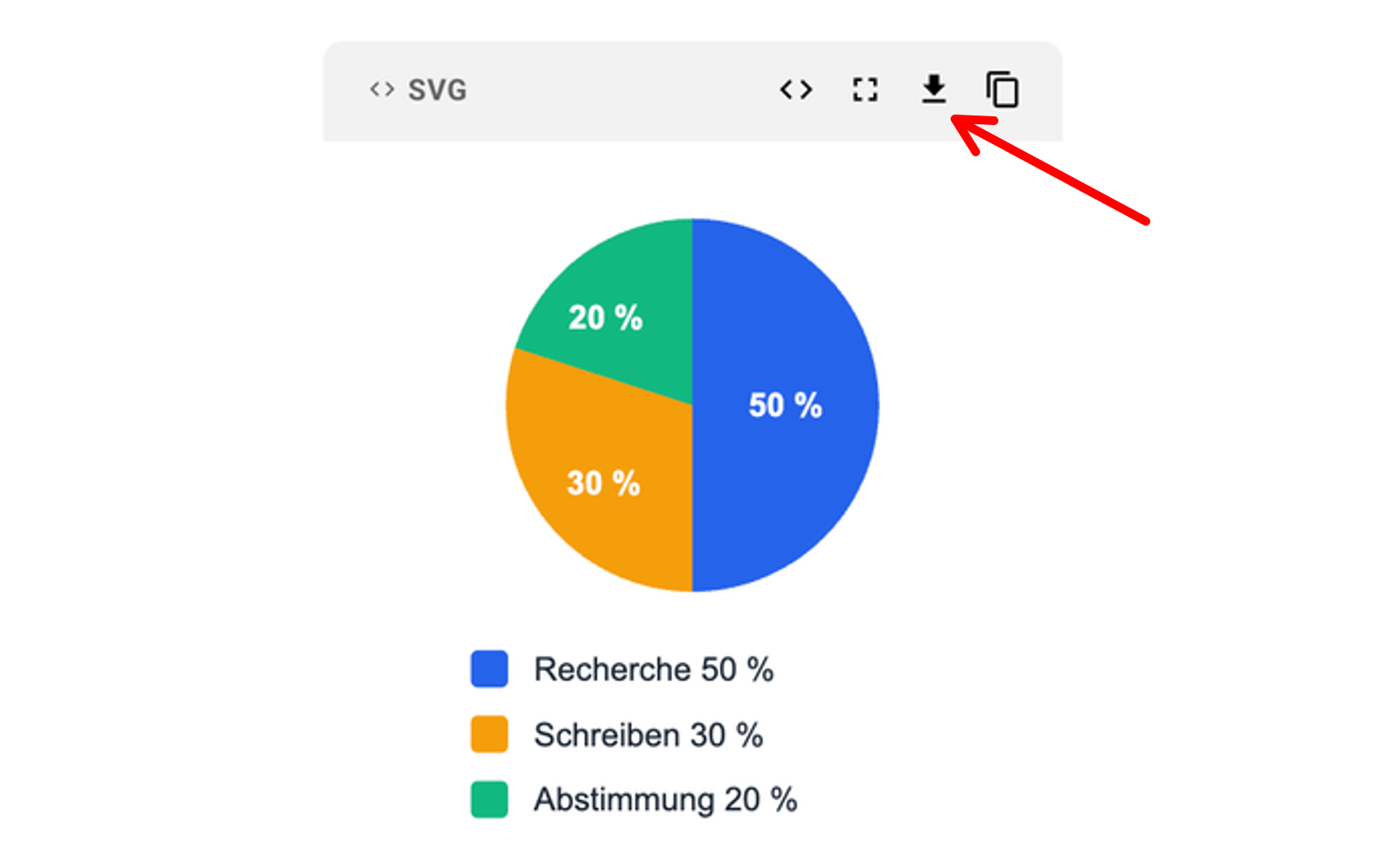
Results from the HTML and SVG preview can now be downloaded as files. This makes HTML drafts and SVG diagrams, for example, available outside AISSIST as well.
This makes it easier to continue working on results, hand them over to colleagues, and use them in other applications, such as PowerPoint.
ℹ️ Identify suitable agents more quickly
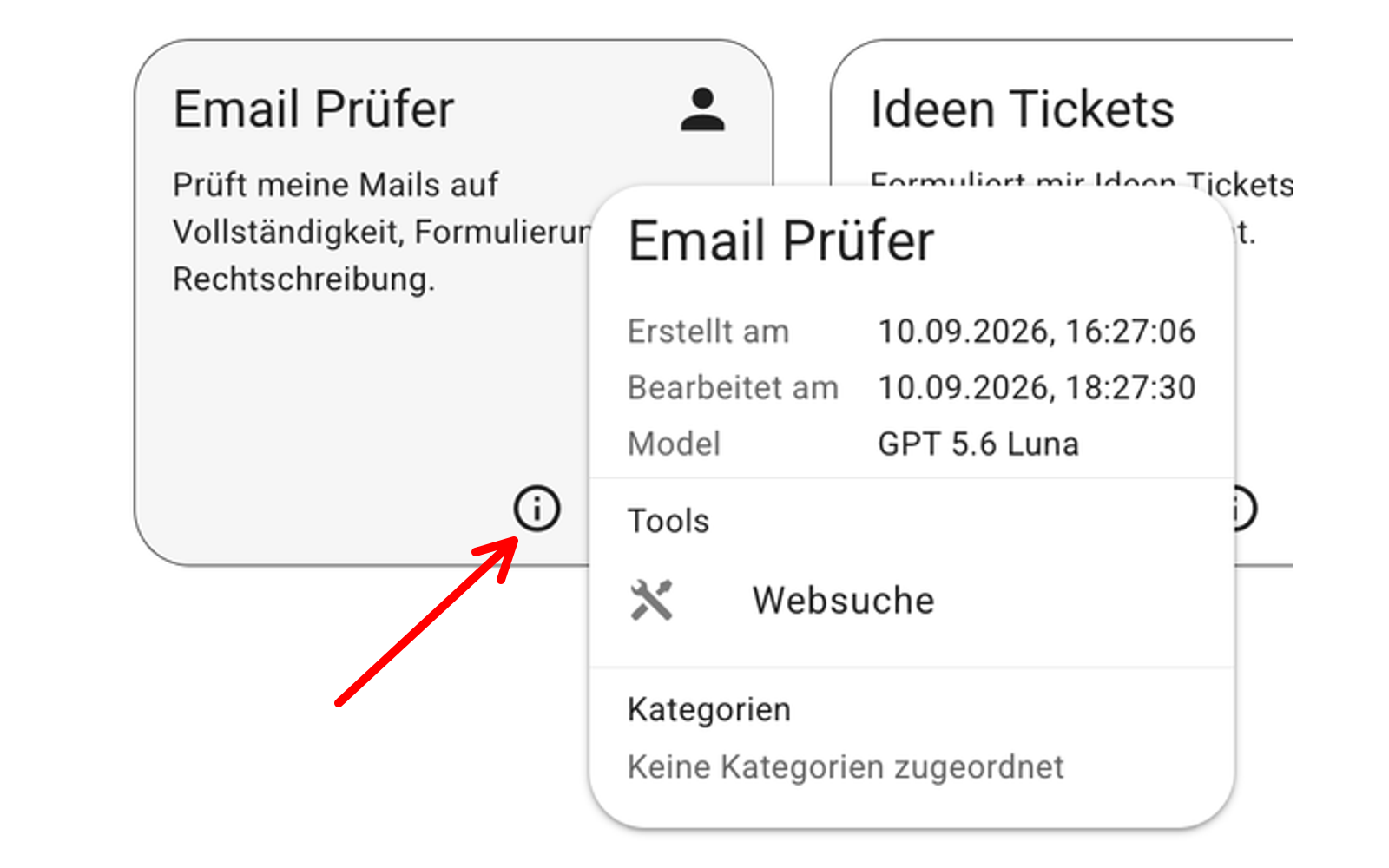
Extended information on agent cards helps you better assess which agent is suitable for your task before you start. The information tooltip provides more context on the model, tools, categories, and currency.
Labels for personal agents and workspace agents also make it easier to find your way around the agent selection.
💬 Keep track of the active agent
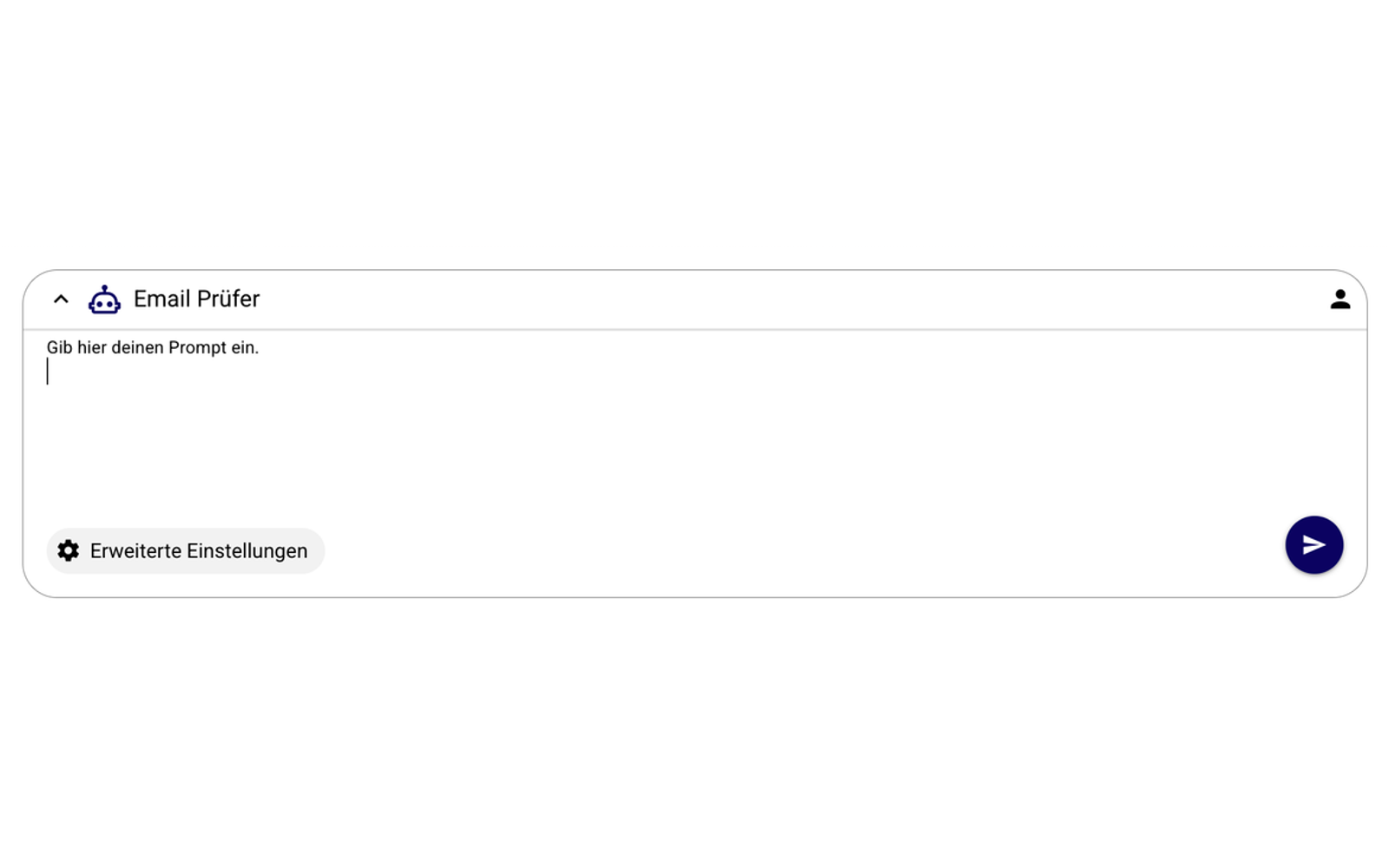
The new meta information panel shows which agent you are currently working with in every session and whether it is a personal agent or a workspace agent.
This helps you keep track when switching between several sessions and distinguish between agents with similar names more easily.
Version 13.3 also improves performance for complex tasks with Claude models and includes further bug fixes.
You can find further details on all new features in the detailed documentation here.